
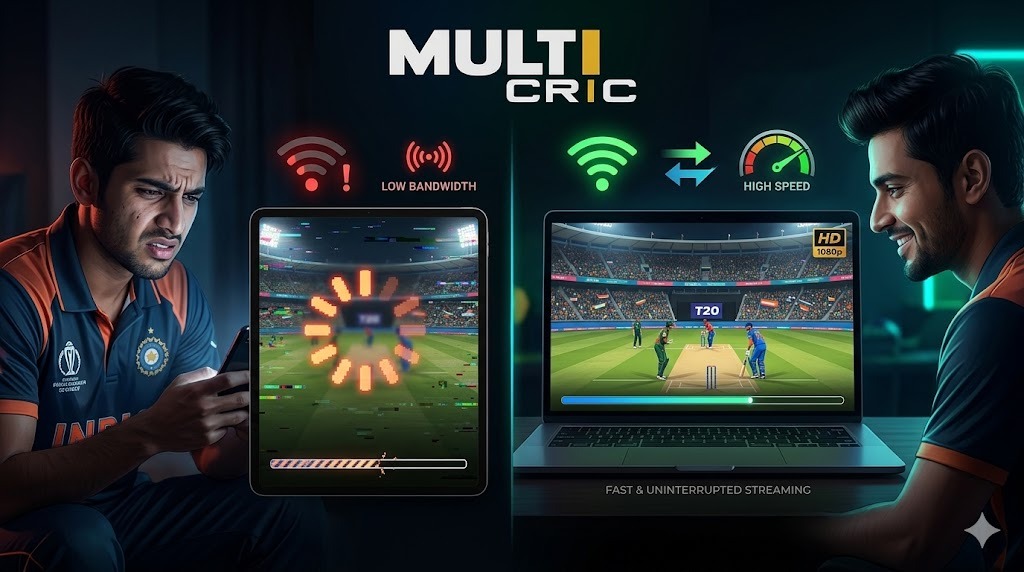
Multicric Buffering Fix: Watching live cricket on Multicric during high-stakes matches like IPL 2026 can be exciting—until buffering ruins the experience. If you’ve ever faced lag, freezing screens, or delayed streaming, you’re not alone. In this guide, we’ll explain why Multicric buffers during live matches and share proven ways to fix it instantly.
Common Reasons Why Multicric Buffers 2026
Understanding the root cause helps you fix the issue faster. Here are the most common reasons:
1. Slow Internet Connection
A weak or unstable internet connection is the primary reason for buffering. Live streaming requires consistent speed, especially for HD quality.
2. High Traffic During Matches
During popular matches, millions of users access Multicric at the same time. This overload can slow down servers and cause buffering.
3. Device Limitations
Older smartphones or low-RAM devices may struggle to handle live video streaming smoothly.
4. Server Issues
Sometimes, the selected streaming server may be overloaded or temporarily down, leading to lag.
Proven Ways to Multicric Buffering Fix
Here are some practical and effective solutions you can apply right away:
1. Switch Streaming Servers
Most users ignore this option. If one server is slow:
- Change to another available server
- Choose the one with the least delay
This can instantly improve streaming speed.
2. Improve Your Internet Speed
- Use a stable Wi-Fi connection instead of mobile data
- Restart your router
- Avoid downloading files while streaming
A speed of at least 5–10 Mbps is recommended for smooth viewing.
3. Lower Video Quality
If buffering continues:
- Switch from HD to SD quality
- Reduce resolution to match your internet speed
This helps eliminate lag during live matches.
4. Clear Cache & Close Background Apps
- Clear your browser or app cache
- Close unused apps running in the background
This frees up memory and improves performance.
5. Use an Ad Blocker or Secure Browser
Excessive ads and pop-ups can slow down streaming. Using an ad blocker reduces interruptions and improves loading time.
Final Thoughts
Buffering on Multicric during live matches is usually caused by internet speed, server load, or device limitations. The good news is that most issues can be fixed instantly with simple steps like switching servers, lowering video quality, or improving your connection. By applying these proven tips, you can enjoy uninterrupted cricket streaming in 2026.
FAQs
1. Why does Multicric buffer during live matches?
It usually happens due to slow internet or high server traffic.
2. How can I fix Multicric buffering quickly?
Switch servers and lower video quality for instant improvement.
3. What internet speed is needed for Multicric?
At least 5–10 Mbps is recommended for smooth streaming.
4. Does device performance affect buffering?
Yes, older or slow devices can cause streaming lag.